
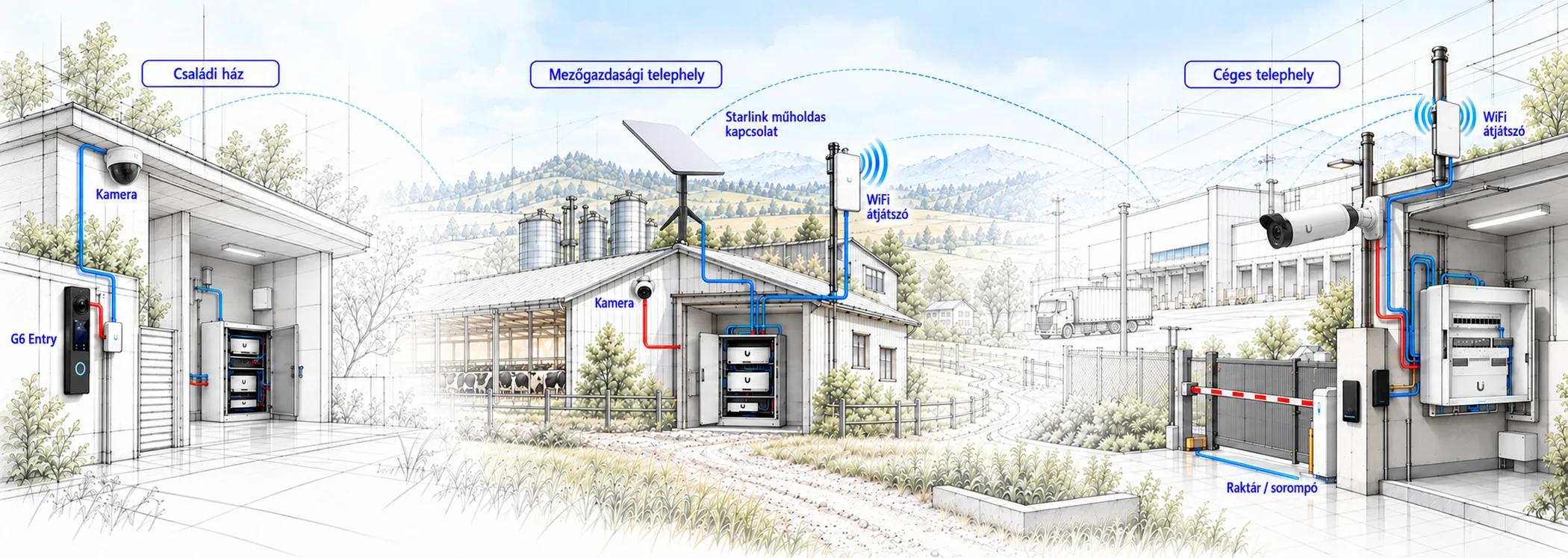
Security, network and access control – all in clear view.
A well-built system isn’t a pile of separate devices but a carefully planned infrastructure. With the UniFi ecosystem, your network, Wi-Fi, cameras, access control and sensors connect through a single, manageable interface.
- Network
- Protect
- Access
- Intercom
- Sensors
Ubiquiti and UniFi in brief
US-based Ubiquiti started its current operations in 2005, and UniFi appeared around 2010–2011 as an enterprise Wi-Fi platform. Since then, networking, firewall, Wi-Fi, cameras, access control, intercom and sensors have grown into a single, uniformly managed ecosystem.
One of UniFi’s biggest advantages isn’t just the price of the devices but transparent management: the network and the security system are visible in one interface, installations can grow step by step, and recordings and smart processing can be handled locally. In many cases this is a more predictable and better documented choice than isolated alternatives – the decision should always be based on the security, data protection and operational needs of the project.
- 2005Ubiquiti starts its current operations
- UniFiOne platform for networking, security and access control
- LocalManaged on site, with full control over your data
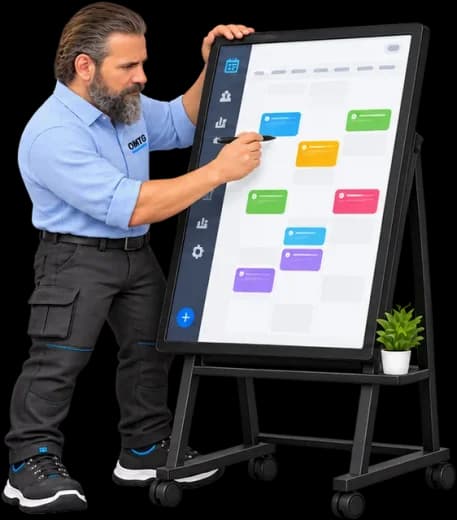
From a simple home network to multi-site systems
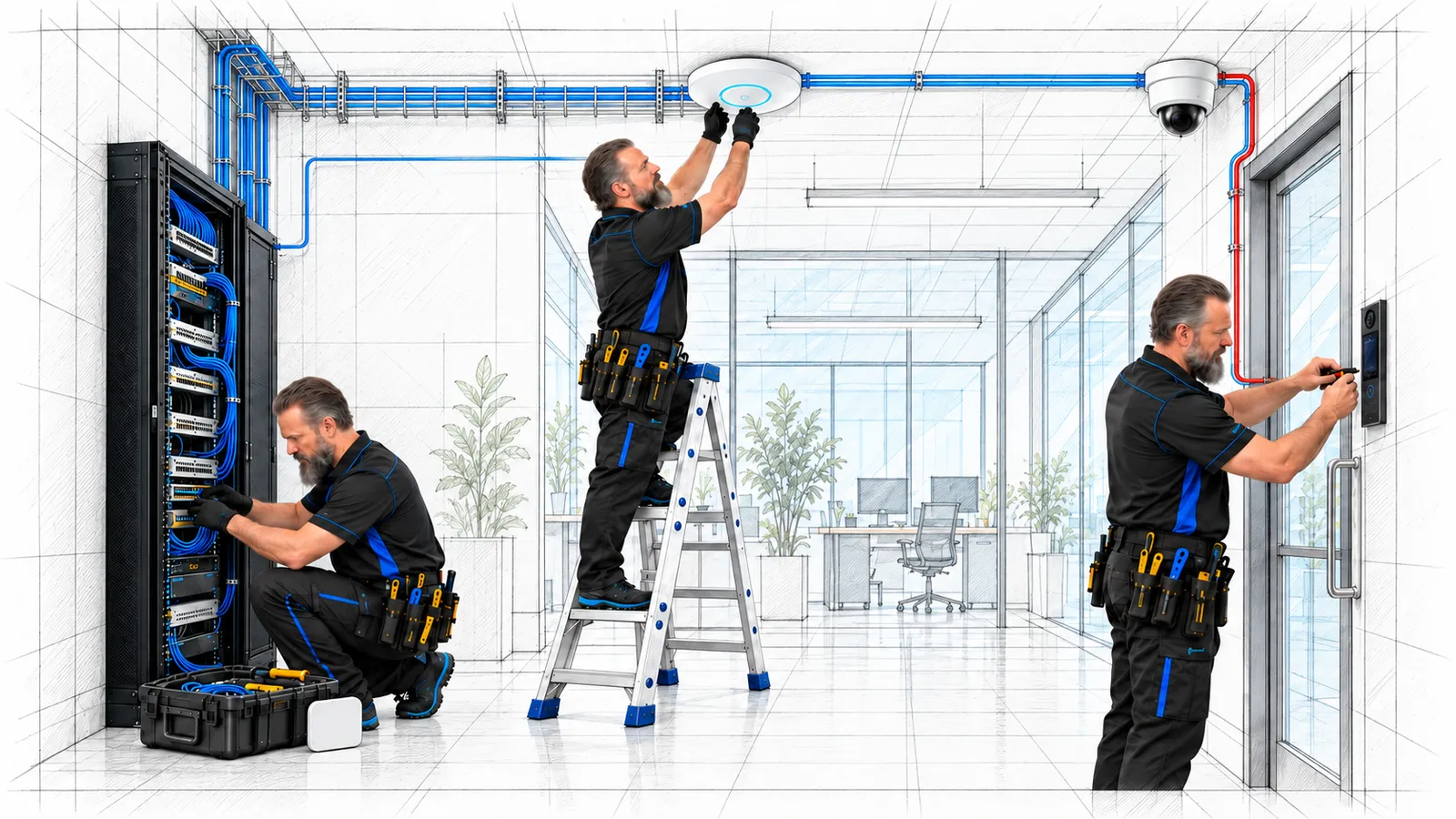
I plan the required devices, the network logic and the monitoring, then we build a system that can be extended later. The goal isn’t oversizing but transparent operation and reliable management.
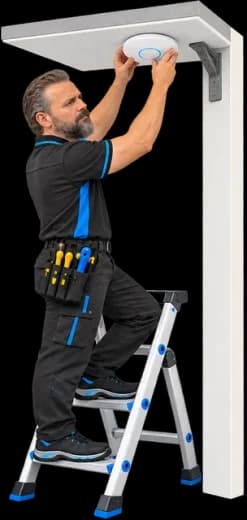
A network that quietly does its job
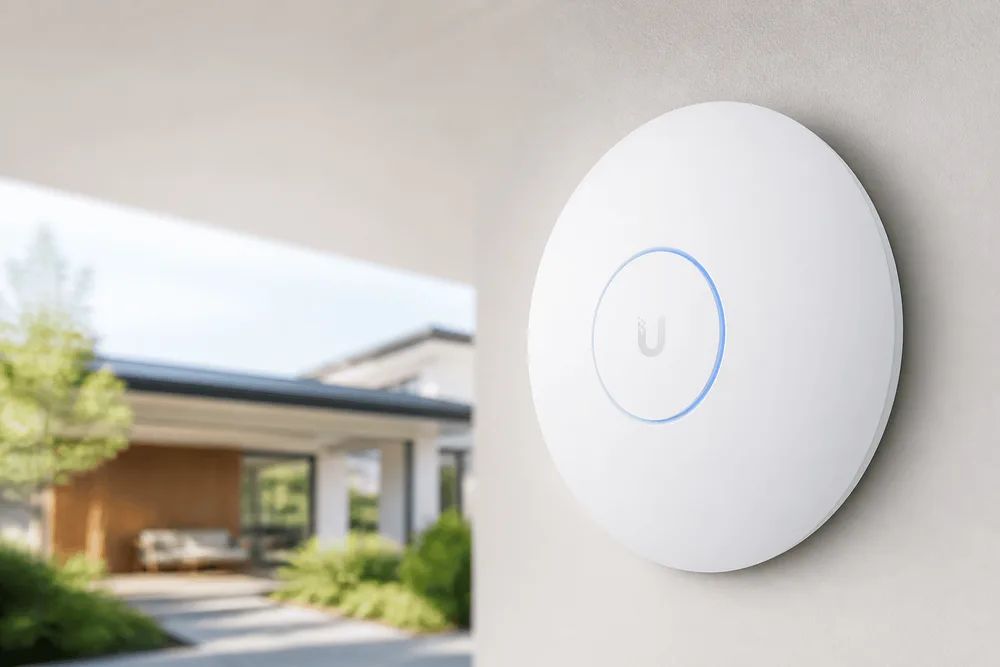
A well-designed office Wi-Fi gives every employee a stable connection – not just in the meeting room. With the right access points, video calls don’t stutter, and downloads and cloud work stay predictable in every corner of the office. The firewall and network zones are managed in a visual interface.
- Wi-Fi in every corner of the officeThe right coverage for uninterrupted wireless work and video conferencing.
- Network topology and traffic flowDevices and connections can be followed in an easy-to-read view.
- Managing sites and zonesThe operation and connections of separated network segments are visible in one place.
- Firewall and security zonesRules are easier to maintain and verify with visual support.
A clear view of your network, even from your phone
With the UniFi mobile app you can check the network from anywhere: active devices, clients, load and any errors. You can get notified about outages or unusual behavior, grant or restrict access, and quickly start remote troubleshooting.
 UniFiNetwork and console management
 ProtectCameras and security events
 EndpointEndpoints and IT resources
 StoreUniFi devices and accessories
 AccessDoors and access control
 ConnectDisplays and building functions
 WiFimanWi-Fi measurement and troubleshooting
 PlayControl UniFi audio systems
 UI VerifyMulti-factor sign-in

UniFi Protect: key capabilities in one system
The capabilities that make monitoring a multi-camera, even multi-site system faster, clearer and easier to automate.
Multiple sites in one view
Multi-Site Video Wall and Insight Manager help you follow camera feeds and site status in a unified interface.
Protect dashboard and automation
Customizable widgets, quick camera and door control, webhooks to other systems.
Smart cameras and tracking
Smart detection, PTZ vehicle tracking and flexible views from 360-degree cameras.
UNVR and smart search
Higher camera capacity, built-in Edge AI, vector search and re-identification.
ONVIF and multi-vendor integration
Motion detection and audio features – local, fast NVR operation with no license fees.
Alarm handling and forwarding
DC09 support: relevant events can also be forwarded to an external alarm receiving center.
SuperLink remote control
Monitor and control the entire site remotely.
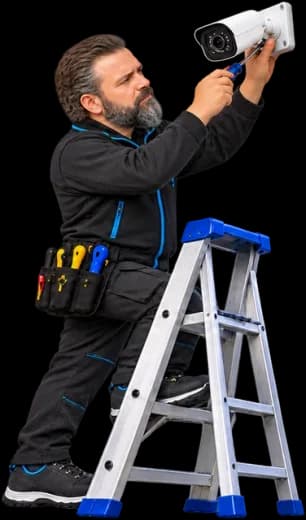
Where I provide practical solutions
Every installation is tailored to the location, how it’s used and its security needs.
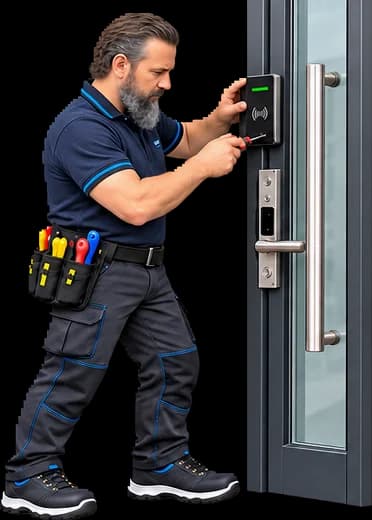
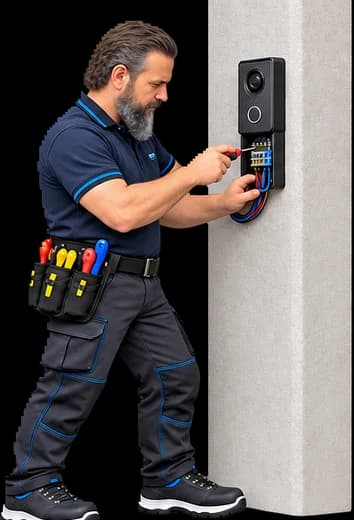
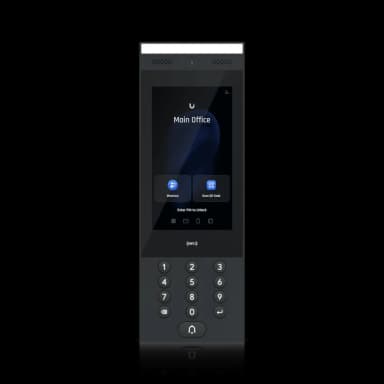
Example: In an office building: different access rules for reception, warehouse and meeting rooms, with intercom, schedules and logging.
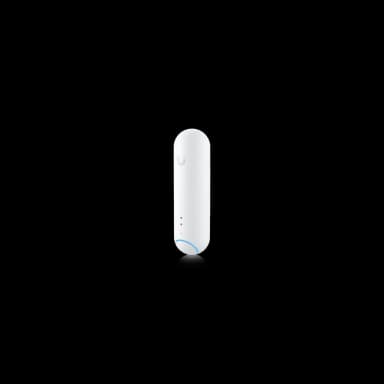
Example: Temperature and door-opening monitoring in a server room with instant mobile notifications.
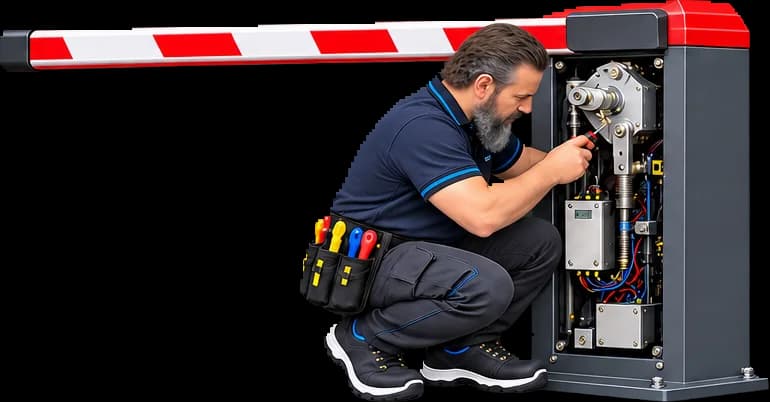

What keeps it manageable?
Technology is good when it doesn’t add to your daily burden. When planning, I treat usability, maintainability and future expansion together.
- 01One platform
Network, Protect, Access, Intercom and Sensors are visible in a shared ecosystem.
- 02Transparent configuration
A documented network, named devices and logical permissions – no hidden workarounds.
- 03Site Manager
Central overview and management of multiple sites, while keeping local operation.
- 04Expandable foundation
From the first step you can later add cameras, access control, sensors or a new site.
UniFi roaming: mobile devices automatically connect to the right access point as they move around the building.
Frequently asked questions about UniFi
What people ask most often during assessments – short and honest.
Is there a monthly fee for a UniFi camera system?
No. The system is subscription-free with local recording: recordings and smart processing are handled on site, under your own data control. After the devices are installed, there is no mandatory monthly service fee.
What does UniFi offer as one platform?
Networking, Wi-Fi, firewall, the camera system (UniFi Protect), access control (UniFi Access), intercom and sensors connect in a single, uniformly managed ecosystem – monitored from one interface in homes, residential buildings and industrial settings.
Can the system be expanded later?
Yes, installations can grow step by step: starting with a network or a few cameras, you can later add access control, sensors, barrier control or a new site without disrupting what already works. The goal isn’t oversizing but a transparent, expandable foundation.
Is UniFi only for offices?
No: it’s used in family homes, residential buildings, offices, hotels, warehouses and multi-site companies. Typical needs are seamless Wi-Fi at home, cameras and access control in residential buildings, and site-to-site VPN with central monitoring for companies.
How does remote monitoring work?
With the UniFi mobile app you can check the system from anywhere: live camera feeds, alerts, access management, temporary access permissions and remote troubleshooting – with the right permissions, even while on vacation.
How does a UniFi installation start?
First a short assessment: I plan the required devices, the network logic and the monitoring, with a fixed, itemized quote. Then comes the installation (cabling, devices, configuration) and operation – design, installation and operation from a single source.
First we look at your situation, then at the equipment list.
After a short assessment I’ll show you which UniFi setup fits your home, office or site.
Let’s talk about your idea!
Describe in a few sentences what you need. After a short assessment you get an itemized, fixed-price quote – no hidden costs.
Online customer supportOpen OMTG HelpDeskOne point of contact, from start to finish.